
Upgrading InfoScale DR Manager operator
Prerequisites
Make sure InfoScale SDS is upgraded before upgrading InfoScale DR Manager operator.
To upgrade InfoScale DR Manager operator
-
Connect to OpenShift console
-
For OpenShift version below 4.20 navigate to Operator → Installed Operators page.
-
For OpenShift version above 4.20 , navigate to the Ecosystem > Software Catalog page.
You should see all InfoScale operators listed here. -
-
ForInfoScale DR Manager, available upgrade is reported in Status.

-
Click InfoScale DR Manager to upgrade it.
-
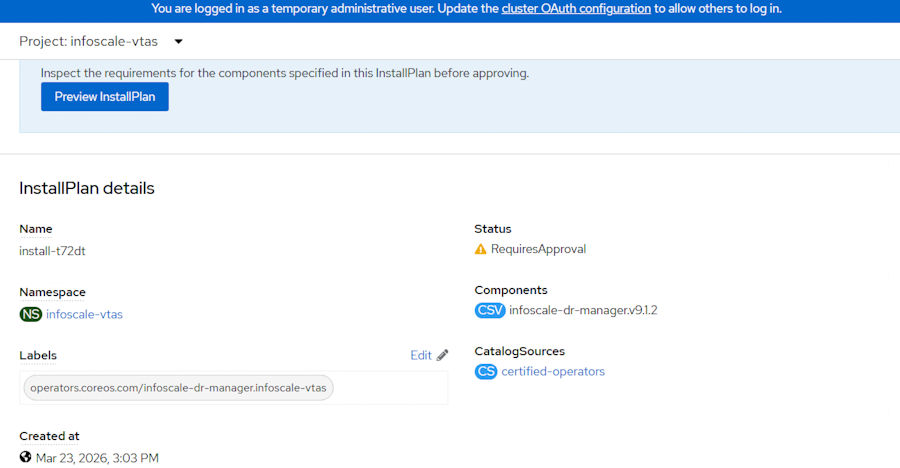
In Subscription, updates that need approval are displayed next to upgrade Status. Click Preview InstallPlan.
-
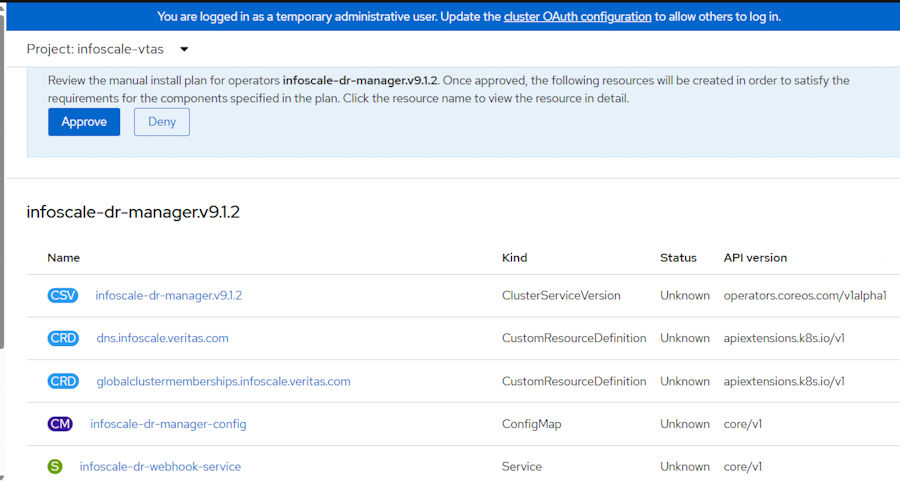
Review the details list. Click Approve to proceed with the upgrade.
-
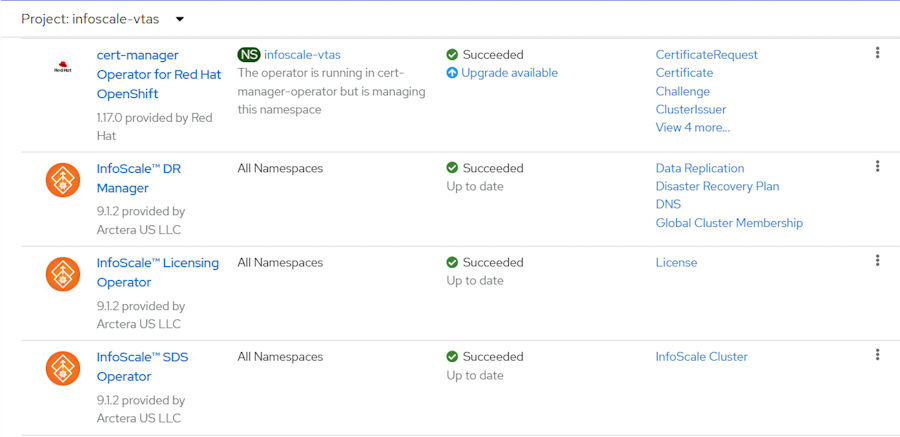
Wait till it is upgraded and listed in Operators > Installed Operators.
Related information