
About managing hosts
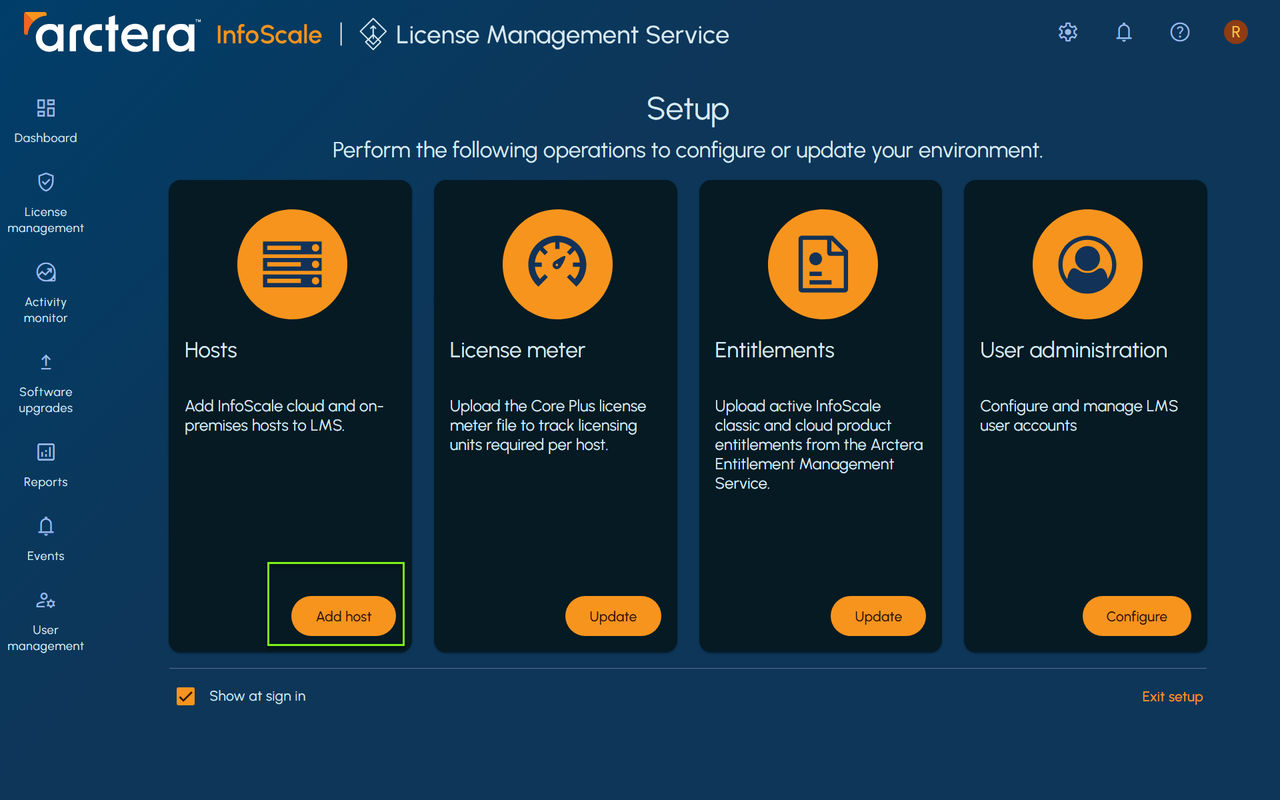
If License Management Service is installed as a standalone product, then you need to add the hosts that have InfoScale products to License Management Service. However if License Management Service is installed on the same host that has InfoScale Operations Manager, then the host data is refreshed automatically on License Management Service console. The Add host operation on License Management Service is disabled and can be performed only using the InfoScale Operations Manager console.
Prerequisites for adding the hosts to License Management Service are as follows:
-
License Management Service and the host should be able to communicate over the network.
-
Host should be up and running.
-
XPRTLD should be running on the host.
-
An InfoScale product should be installed on the host.
-
Supported managed host version should be installed on the host.
-
AWS host on Windows 2022 must have VRTSsfmh package version 8.0.2.400 or later to be discovered as a cloud host.
If the VRTSsfmh package that is installed on the AWS host is lower than 8.0.2.400, then it is discovered as an on-premises host.
For more information on supported InfoScale product versions and managed host version, refer to the
Arctera License Management Service Software Compatibility List:
Using the License Management Service console, you can perform the following operations.
Related information
Table: Host operations
| Task | Description |
|---|---|
| Add host |  You can add hosts using the following methods\: You can add hosts using the following methods\: |
| - Adding hosts manually using credentials See Adding hosts manually to License Management Service . | |
| - Adding multiple hosts using the .csv file See Adding hosts to License Management Service using the CSV file . | |
| - Adding hosts using the gendeploy script See Adding hosts to License Management Service using the Auto Configure (gendeploy.pl) script . | |
| Refresh | You can refresh one or more hosts at a time. |
| See Refreshing the details of a host . | |
| Remove | You can remove one or more hosts from License Management Service. |
| See Removing a host from License Management Service . |