
Updating the License meter file
A primary function of License Management Service includes the provision of Core Plus calculation. The Core Plus calculation method uses the physical core count of the server CPU and the processor coefficient performance rating, to calculate Core Plus Licenses requirements. The Core Plus coefficient file determines the core units that are required for the attached hosts. This method enables you to easily identify the required entitlements in your environment.
Arctera maintains the Core Plus coefficient file on the Services and Operations Readiness Tools (SORT) website and updates it every 6 months or whenever any new processors are released. This Core Plus coefficient file is called the License Meter file on the License Management Service console. The location of this file is https://sort.veritas.com/public/infoscale/license/InfoScale_CorePlus_Coefficients.json The location of the file on the host on which License Management Service is installed, is as follows:
/var/opt/VRTSlms/conf
C:\ProgramData\Veritas\VRTSlms\conf
Using the License Management Service console, you can upload the file on the host on which License Management Service is installed. Online and Offline are two options for uploading the file.
In the Online option, you can also schedule an auto update if required. Choose the Online option only if the host has access to the public internet.
To update the License meter file
-
On the License Management Service console, do one of the following:
-
In the Setup panel, click Update in the License meter card.

-
In the left navigation click License management, and then click** License meter file update**.

-
-
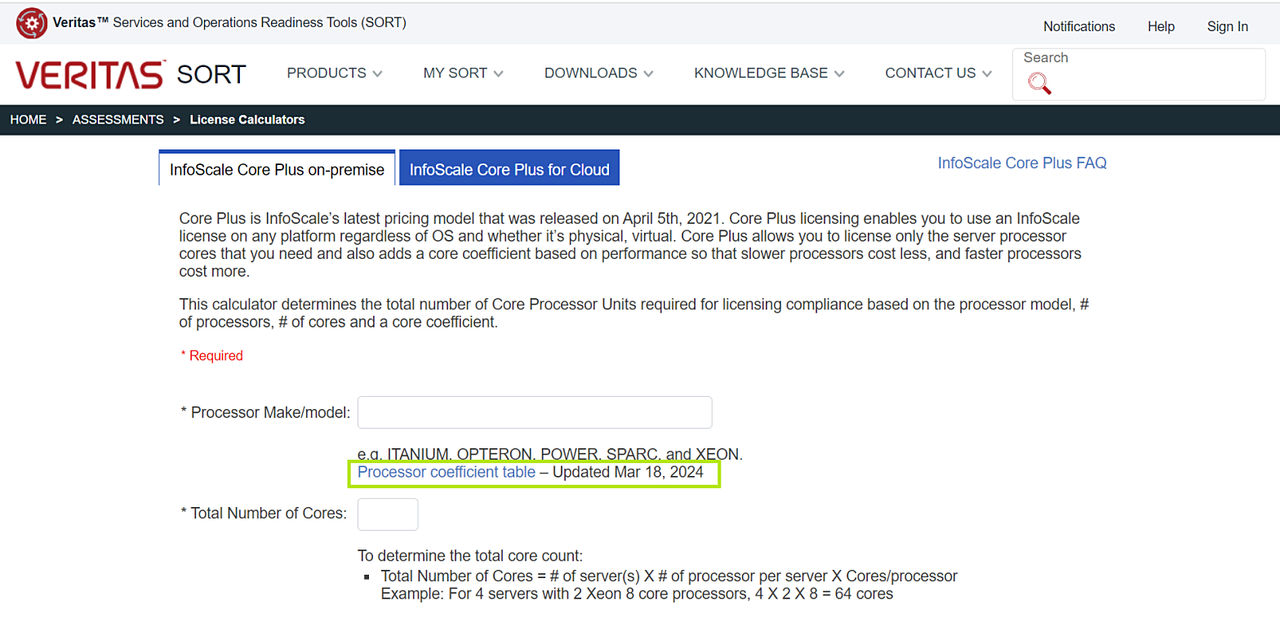
Review the dates on which the Processor coefficient table was updated on SORT and the date on which the Licensing table was last applied on the License Management Service from SORT here:
-
Do one of the following:
-
In the Online section, click Update. Optionally select** Enable auto-update and click Setup schedule** to set the schedule. Skip to step 7.
-
In the Offline section, click Update.

-
-
In the Offline panel, follow the steps that are mentioned on the panel to access the
InfoScale_CorePlus_Coefficients.jsonfile from Arctera License Analytics (LAS) console. -
Save the file in a local folder with extension
.json. -
Click Browse to upload the file.
-
Click Update>Close.
Click Activity monitor to view the progress of the task.
More Information
Related information